Manageable Modules
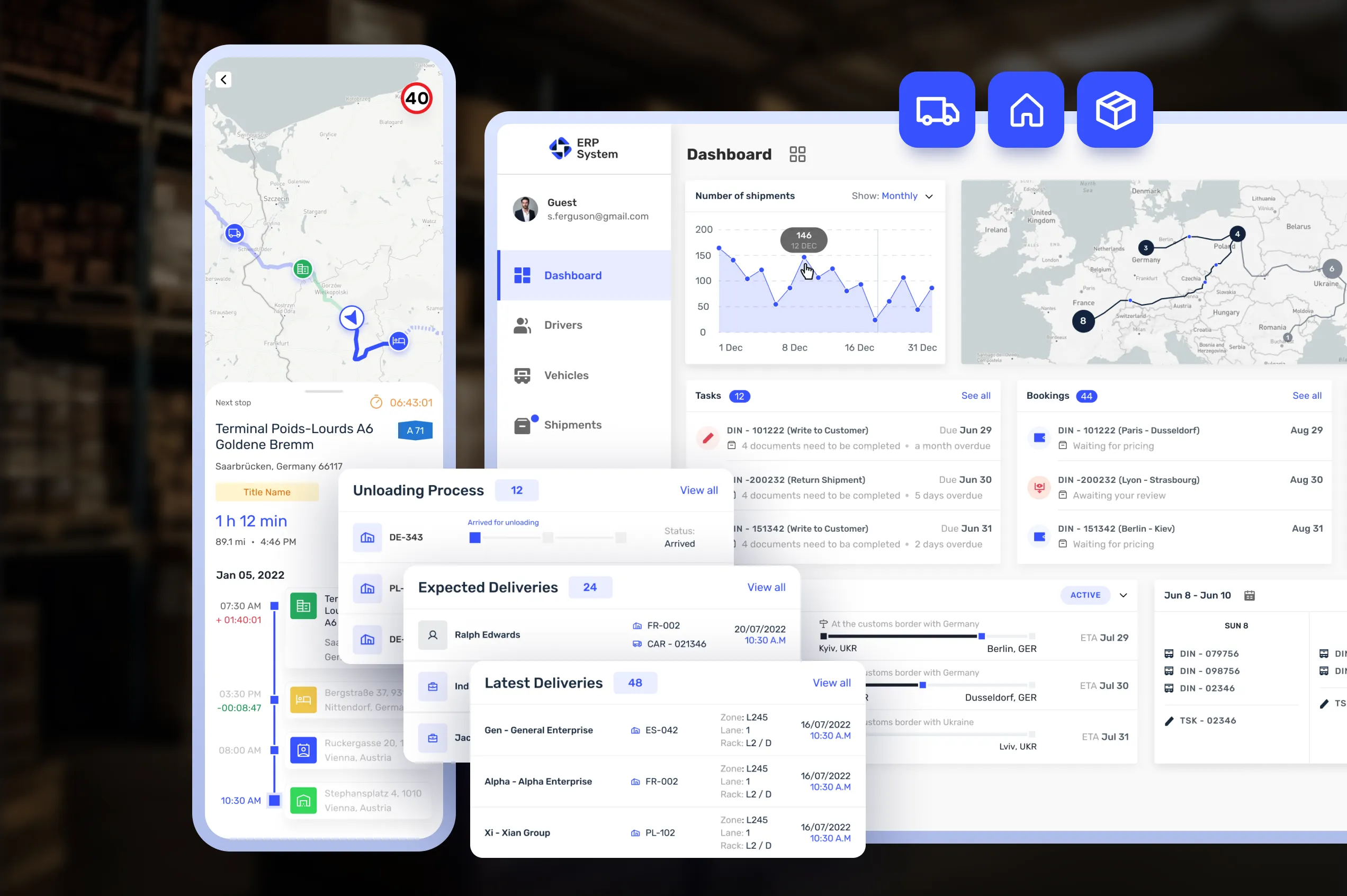
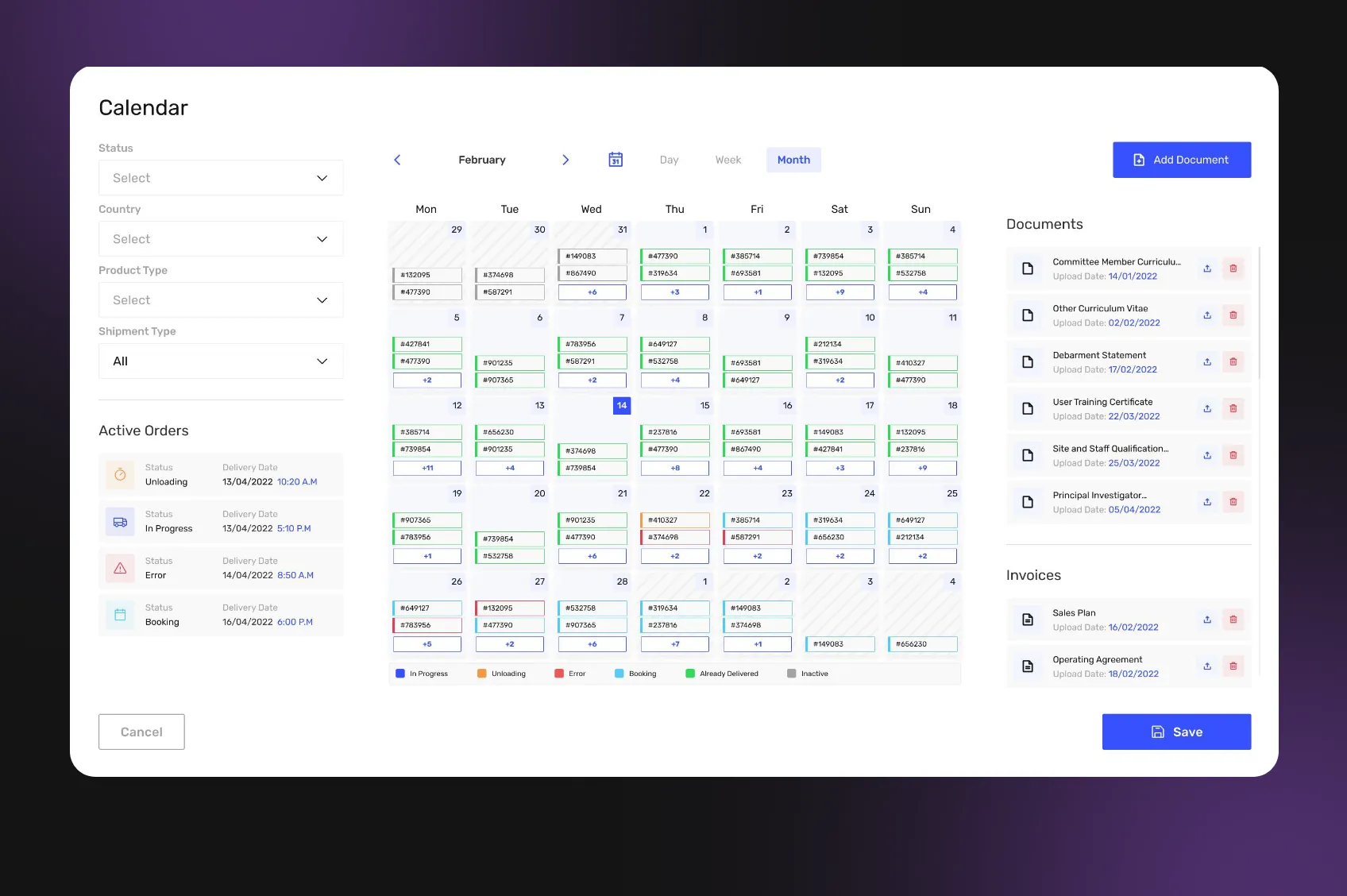
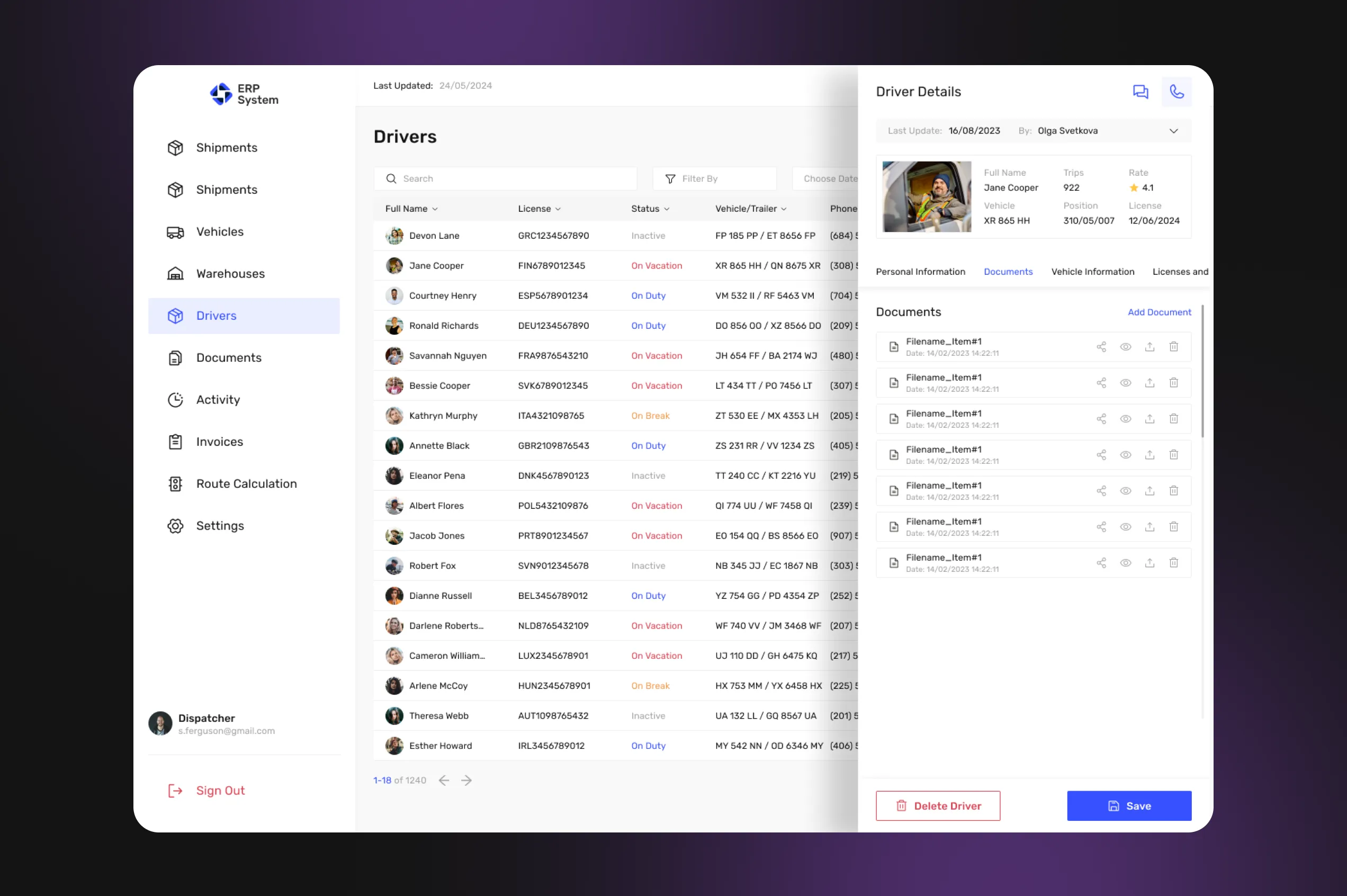
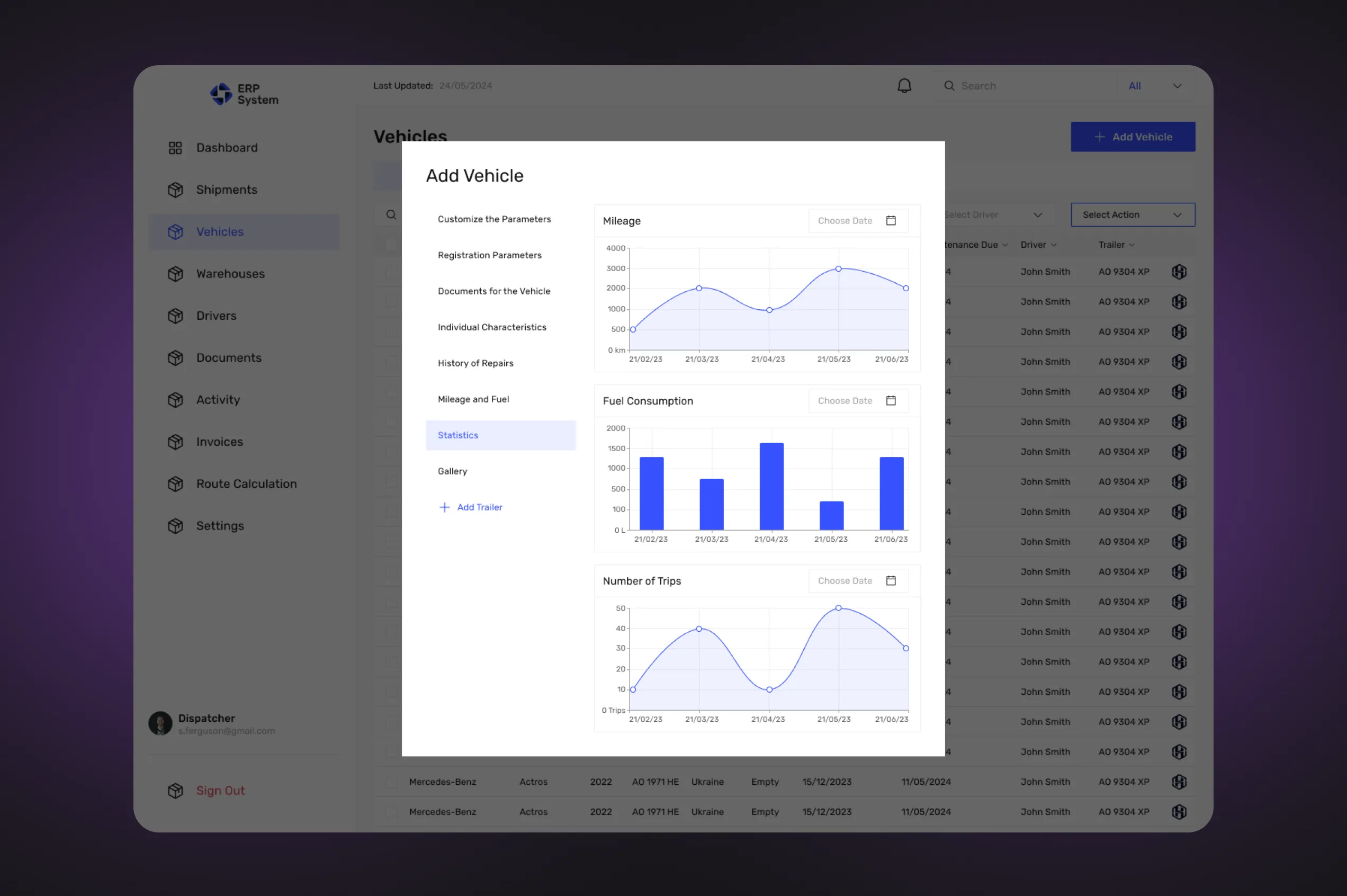
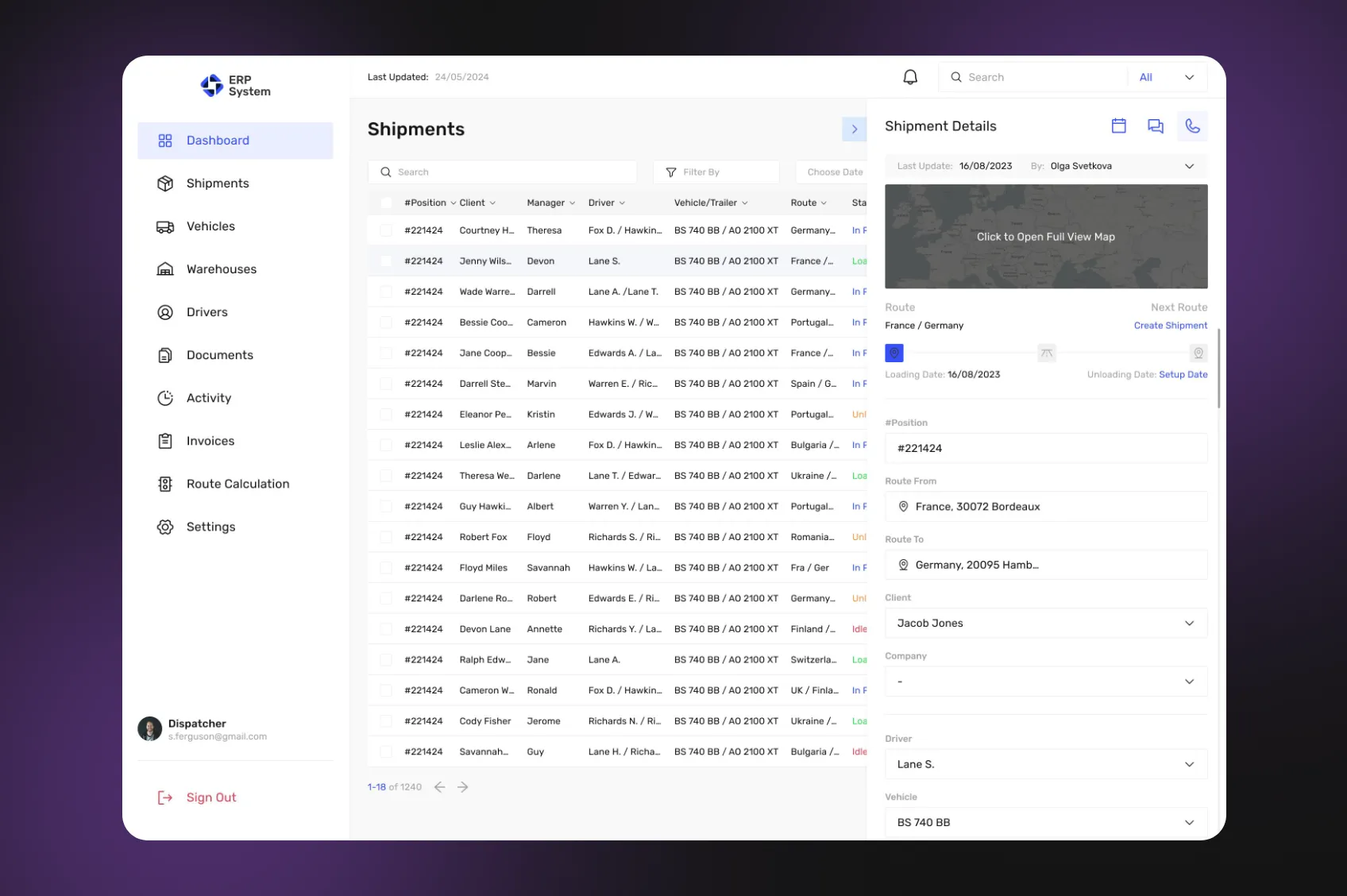
The ERP software is adapted to be used by the modules mentioned above. It allows the purchase and use of the system not as a complete functional set, but in separate modules necessary for operation in a particular business.
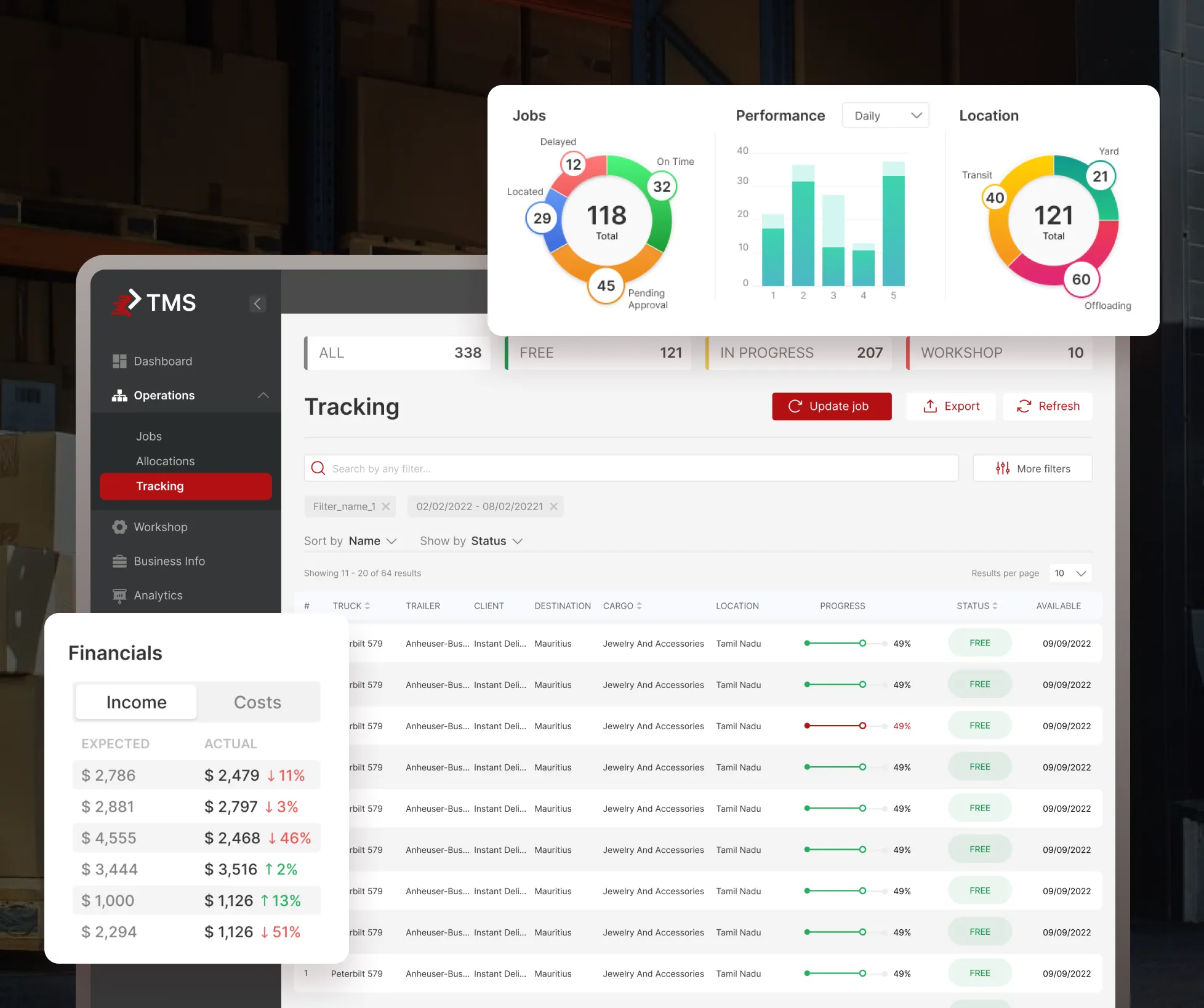
For example, a company can purchase and operate only the Shipment and Drivers modules, just tracking all shipment information and finding drivers when it is necessary.
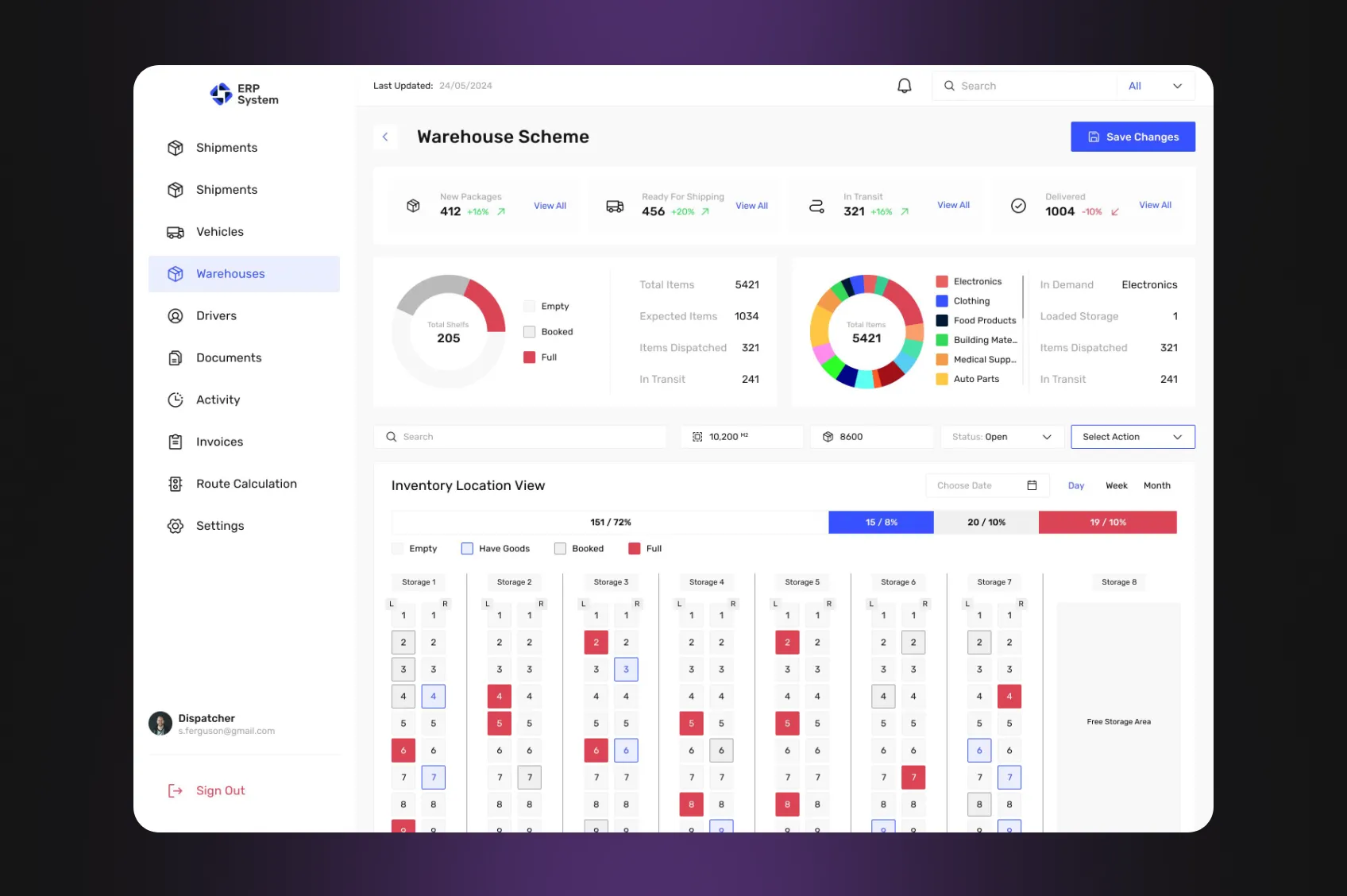
Or a company with its own stable driver team can gain profit from the Warehouses module, which allows finding the best warehouse options for shipments.
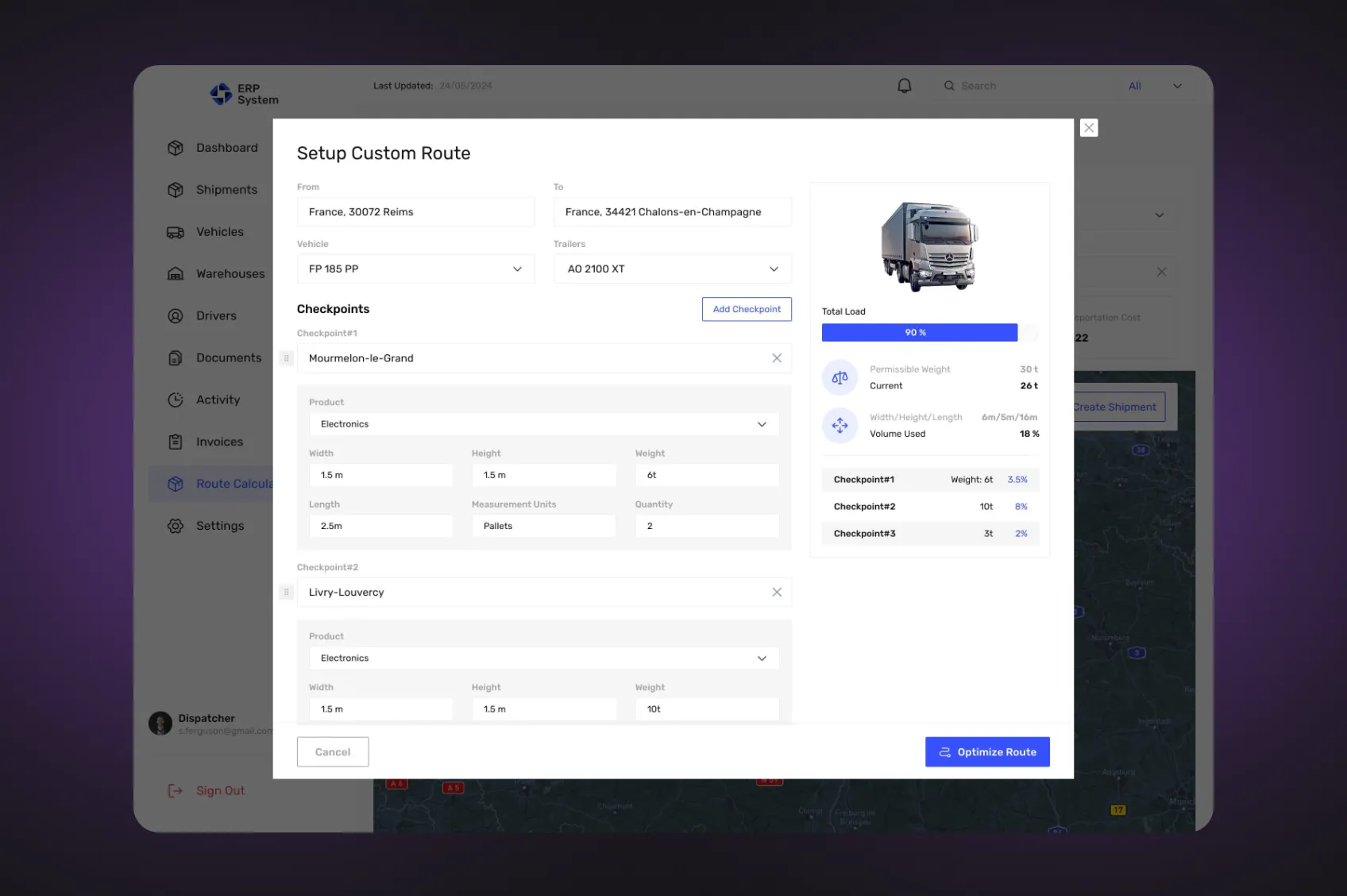
Route Calculation
Another valuable feature of the ERP for logistics is the Route Calculation function. It allows a logistics manager to set the start and end points of the route, input vehicle information, and obtain a calculation of the best way from one location to another, with the best fuel spending and transportation costs. It also allows setting checkpoints and cargo information, with the calculation taking into account these parameters as well. It’s a core feature for logistics route optimization.
Telematics Integration
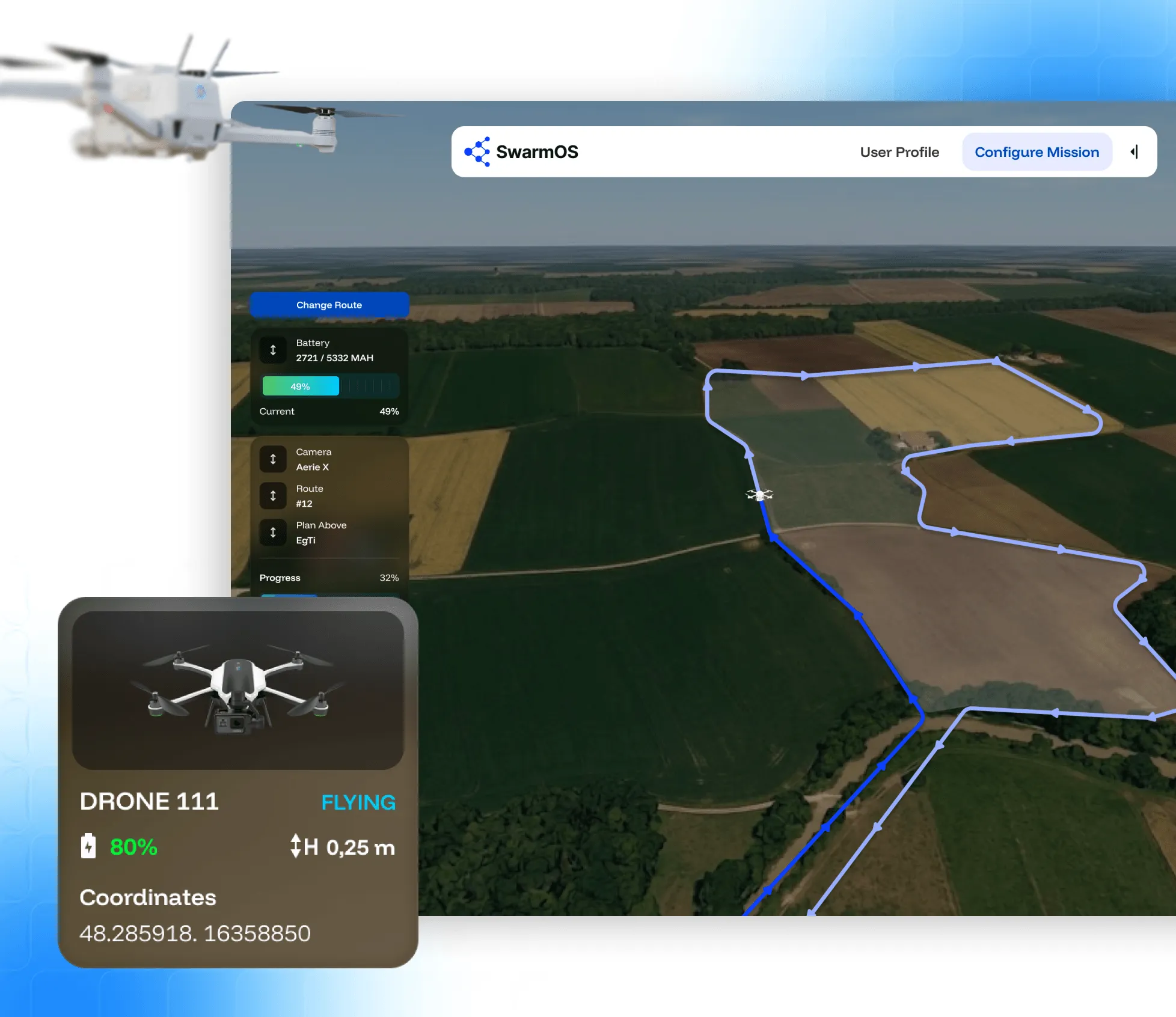
The vehicle monitoring module was designed to work with the telematics infrastructure logistics companies already have in place – rather than forcing them to switch providers or run parallel systems. In practice, this means the ERP connects to whichever platform the operator uses, whether that’s Webfleet or Geotab in Europe, Samsara or Motive in North America, or Cartrack and MiX Telematics across African routes.
For the UK-based client, this flexibility mattered. Fleet data flows directly into the ERP without manual re-entry, keeping shipment status, route progress, and vehicle location in sync across the entire operation.
Driver Module
The logistics ERP software also provides a special version for drivers – Mobile Driver. It is a mobile version of the application with functions adapted for the driver’s purposes. A driver can:
- Review route information;
- Use navigation;
- Communicate with logistics specialists;
- Review upcoming and current shipment statuses;
- Add photo reports;
- Confirm completed routes, delivered cargo, etc.



 FastAPI
 Laravel
 React.js